Made in ReadyTab

Real boards.
Different ways to work.

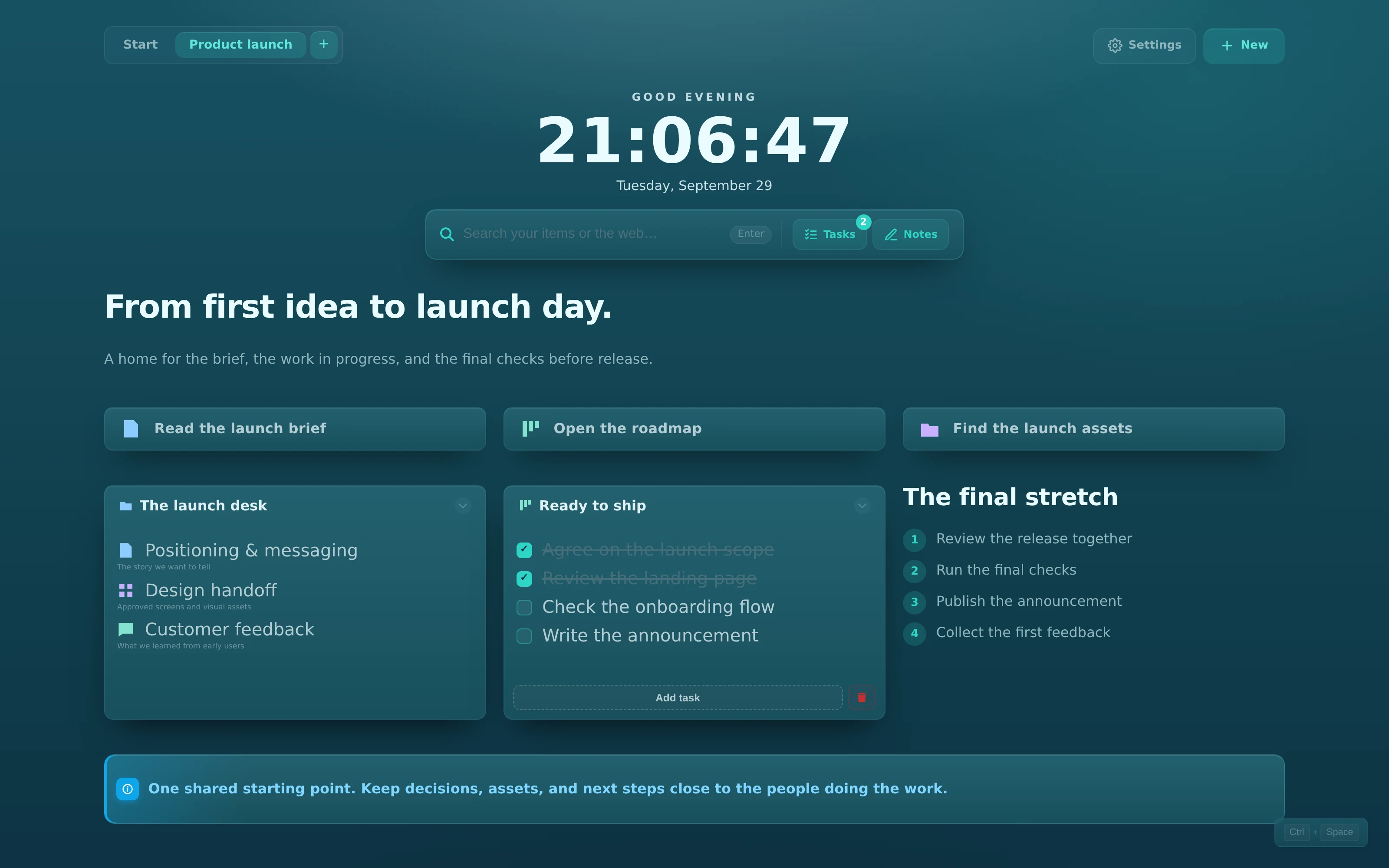
A project to launch, a teammate to welcome, or a little space for your own day. Every board here was built with native ReadyTab components and captured in the actual extension.

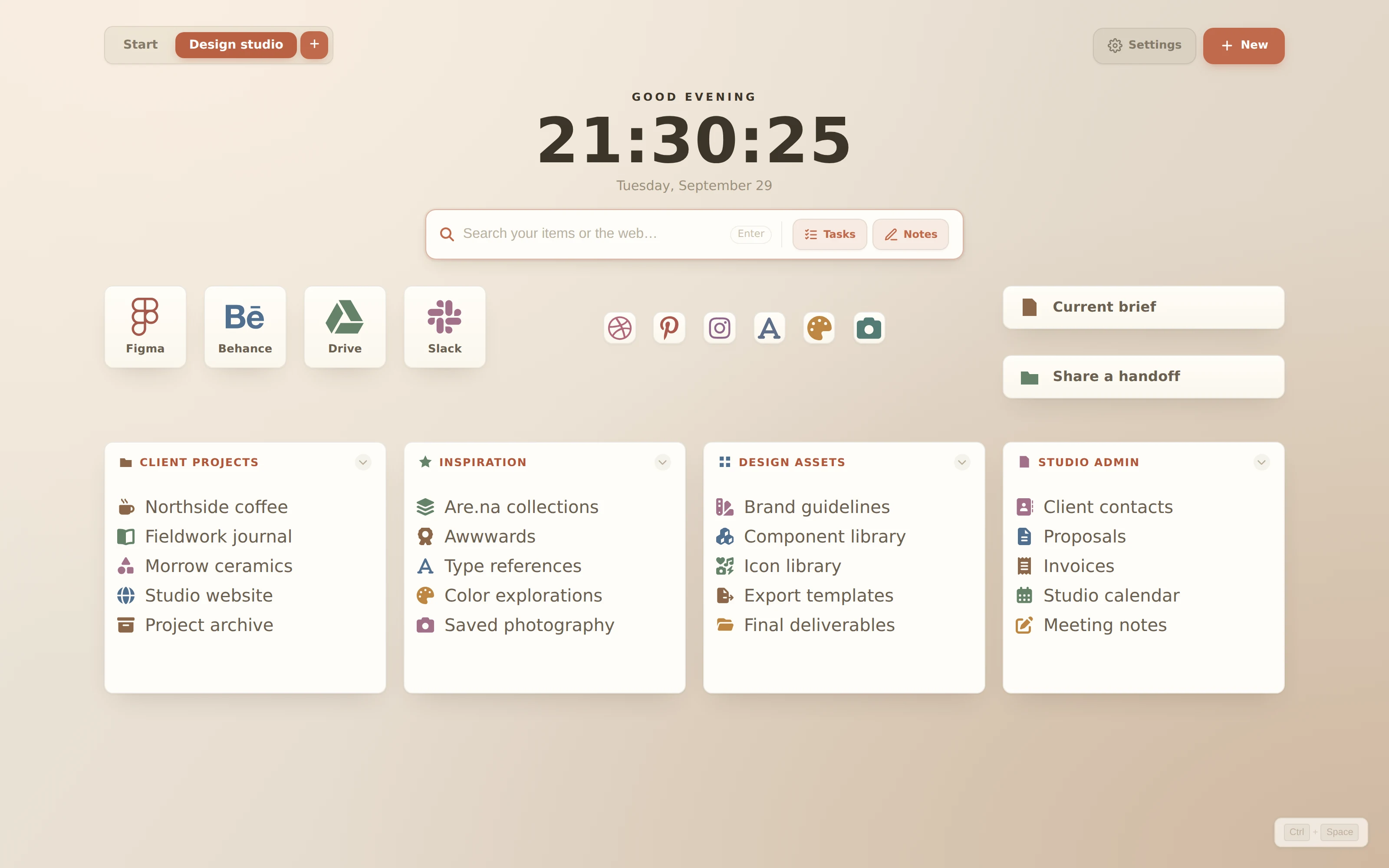
Actual ReadyTab Design studio workspace using the nordic theme View 3200 × 2000 screenshot

Design studio

nordic

Large app tiles, a compact icon shelf, two direct actions, and four focused link groups. No introductory banner.

  • Large app tiles
  • Small icon shortcuts
  • Four link groups
  • Warm paper background
Background: Warm paper

After importing, open Settings → Design → Background → Custom CSS. Paste this value and click Apply. Backgrounds are saved separately from board JSON.

radial-gradient(ellipse at 12% 0%, #f9eee0 0%, transparent 55%), radial-gradient(ellipse at 100% 100%, #cfb8a0 0%, transparent 55%), linear-gradient(125deg, #eee7dc 0%, #e4dacd 55%, #ded2c1 100%)Download background settings ↓

To use this example, go to Settings → Data → Import. Import replaces your workspaces, so export a backup first or use a fresh profile.

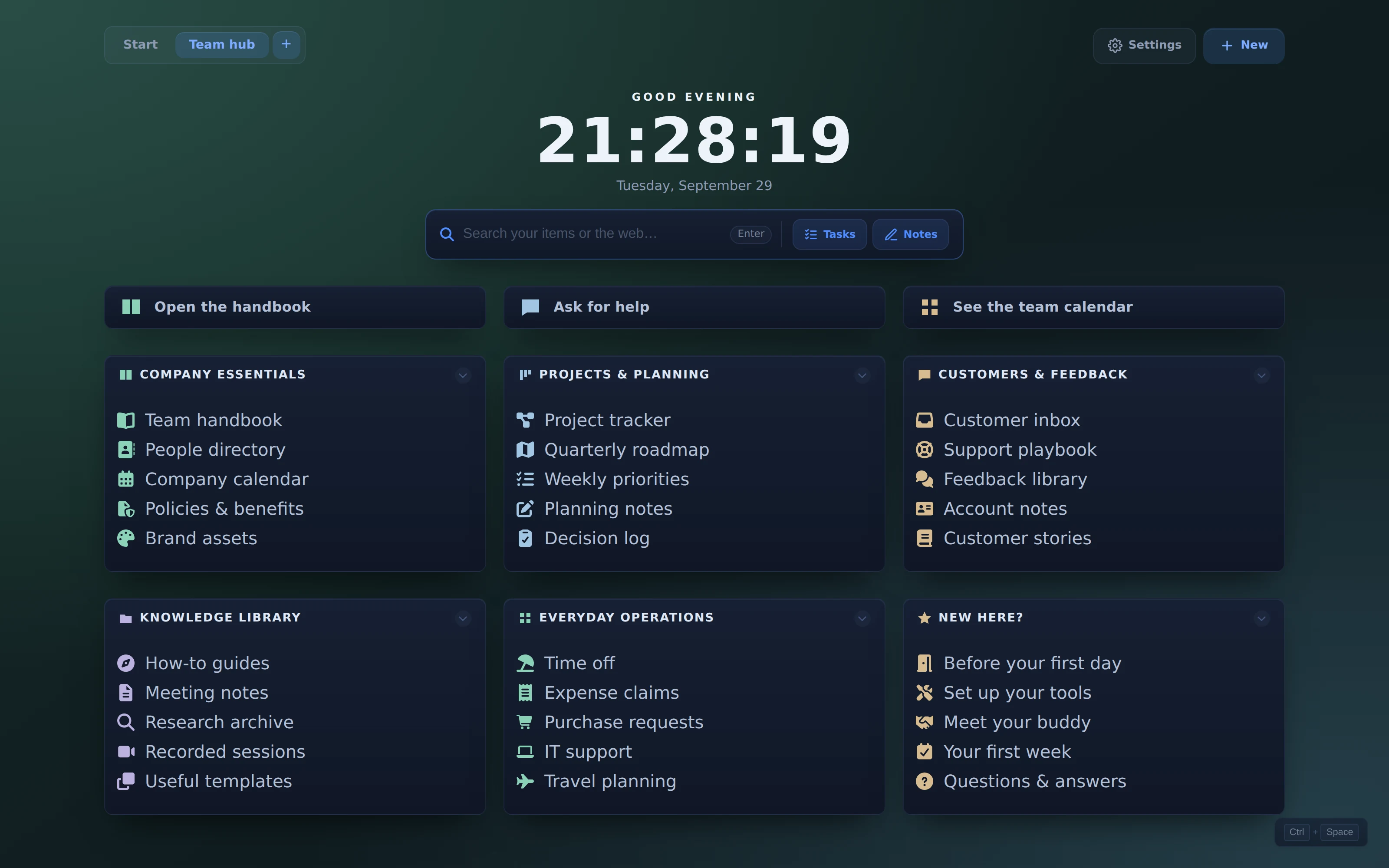
Actual ReadyTab Team hub workspace using the midnight theme View 3200 × 2000 screenshot

Team hub

midnight

A dense six-group team directory with 30 useful links and three prominent actions, on a quiet forest gradient.

  • Six groups
  • 30 links
  • Link buttons
  • Forest background
Background: Forest after hours

After importing, open Settings → Design → Background → Custom CSS. Paste this value and click Apply. Backgrounds are saved separately from board JSON.

radial-gradient(ellipse at 0% 0%, #294d45 0%, transparent 55%), radial-gradient(ellipse at 95% 95%, #253e48 0%, transparent 55%), linear-gradient(145deg, #152c28 0%, #101d20 55%, #0e171d 100%)Download background settings ↓

To use this example, go to Settings → Data → Import. Import replaces your workspaces, so export a backup first or use a fresh profile.

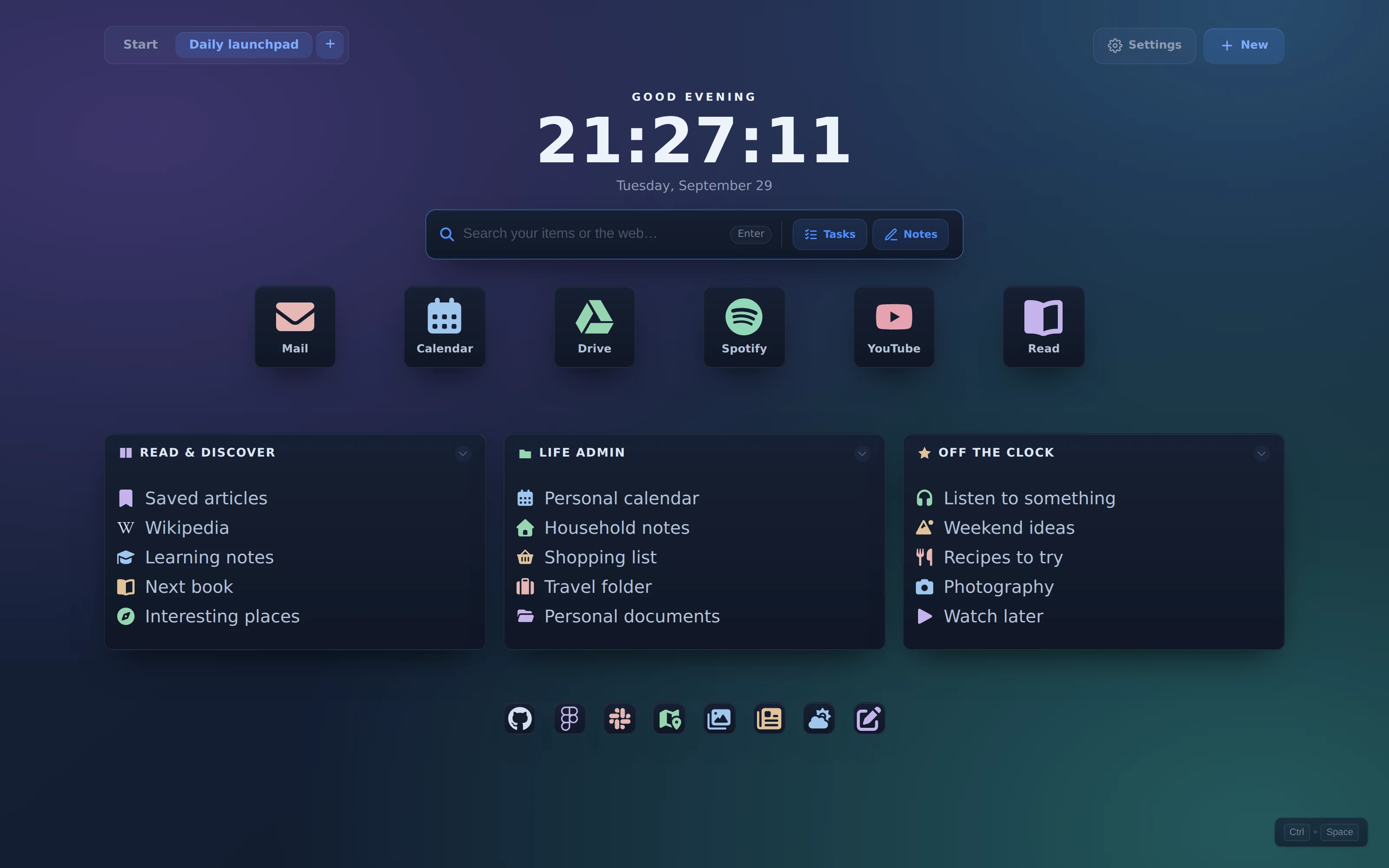
Actual ReadyTab Daily launchpad workspace using the midnight theme View 3200 × 2000 screenshot

Daily launchpad

midnight

A personal speed dial with six large tiles, a row of small icons, and three everyday link groups over a soft aurora gradient.

  • Large tiles
  • Small icon links
  • Three groups
  • Aurora background
Background: Quiet aurora

After importing, open Settings → Design → Background → Custom CSS. Paste this value and click Apply. Backgrounds are saved separately from board JSON.

radial-gradient(ellipse at 10% 15%, #3b356b 0%, transparent 52%), radial-gradient(ellipse at 90% 95%, #24585c 0%, transparent 55%), radial-gradient(ellipse at 90% 0%, #294c6e 0%, transparent 45%), linear-gradient(140deg, #17223b 0%, #0e1929 100%)Download background settings ↓

To use this example, go to Settings → Data → Import. Import replaces your workspaces, so export a backup first or use a fresh profile.

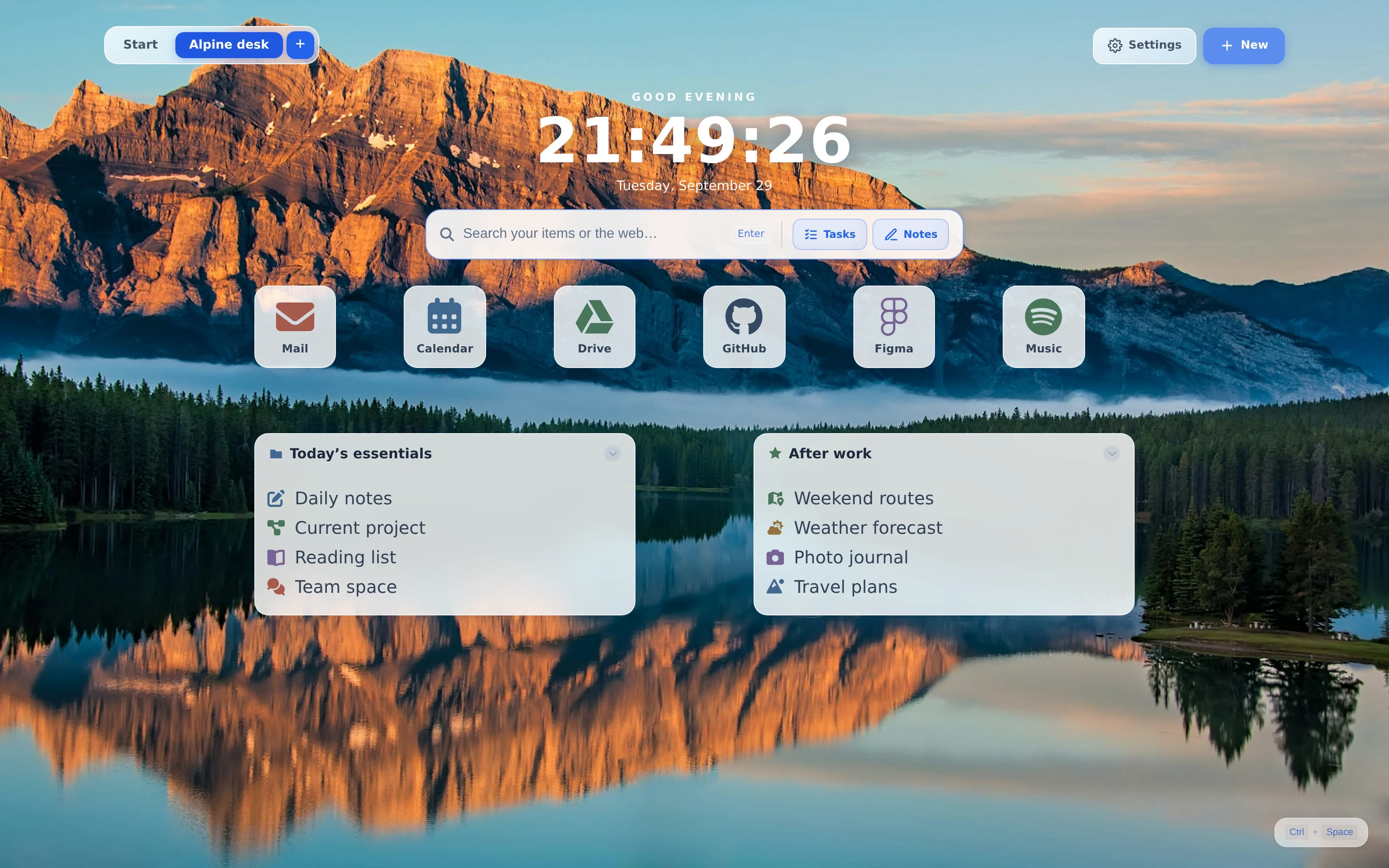
Actual ReadyTab Alpine desk workspace using the frost theme View 3200 × 2000 screenshot

Alpine desk

frost

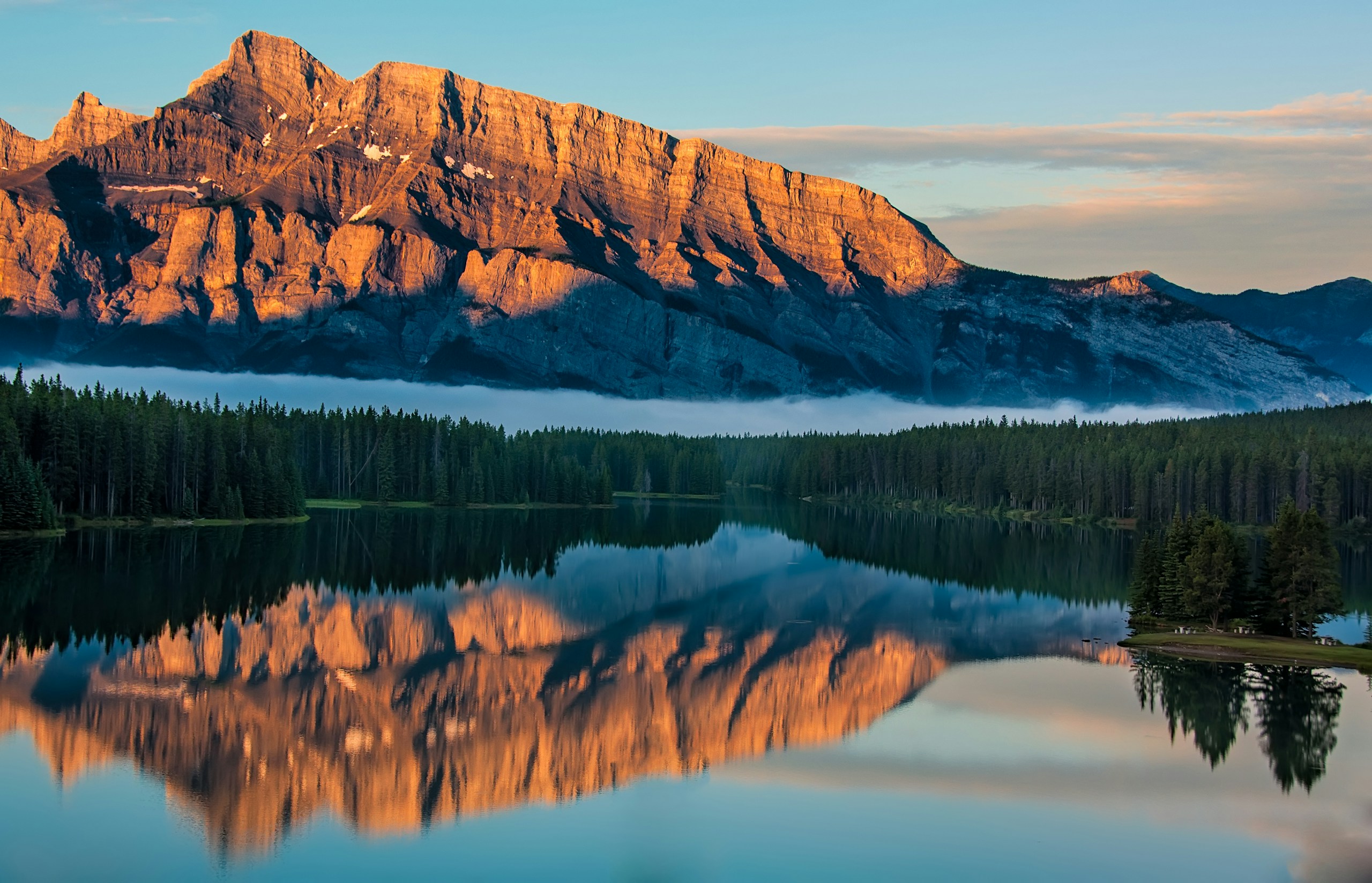
A compact everyday desk overlooking Lake Minnewanka, with six app tiles and two useful link groups.

  • Mountain lake photo
  • Large app tiles
  • Two groups
  • Native image upload

Photo by James Wheeler · Unsplash License

Background: Lake Minnewanka

After importing, open Settings → Design → Background → Custom Image. Choose the downloaded JPG and click Upload. Backgrounds are saved separately from board JSON.
Download background photo ↓
Download setup instructions ↓

To use this example, go to Settings → Data → Import. Import replaces your workspaces, so export a backup first or use a fresh profile.

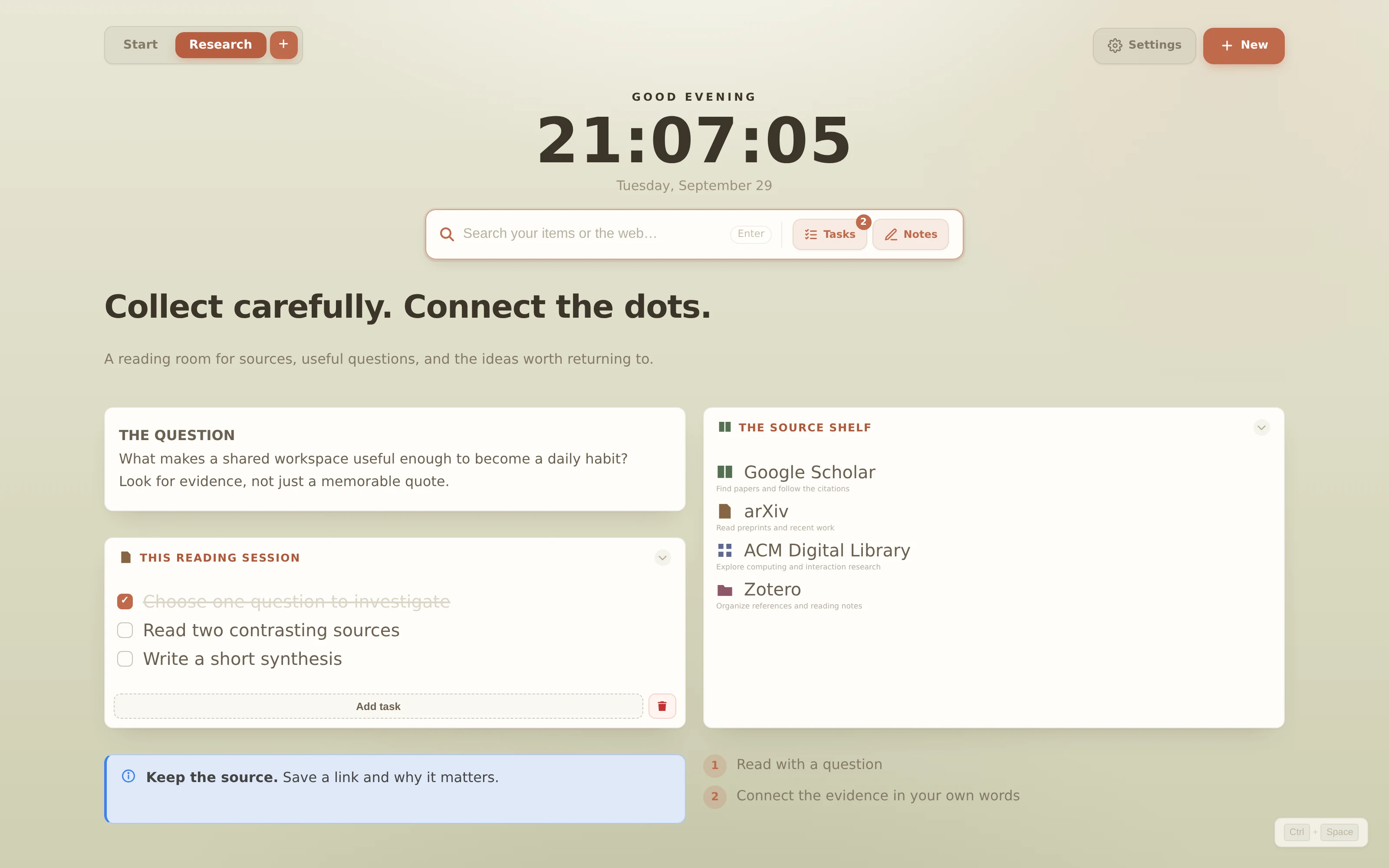
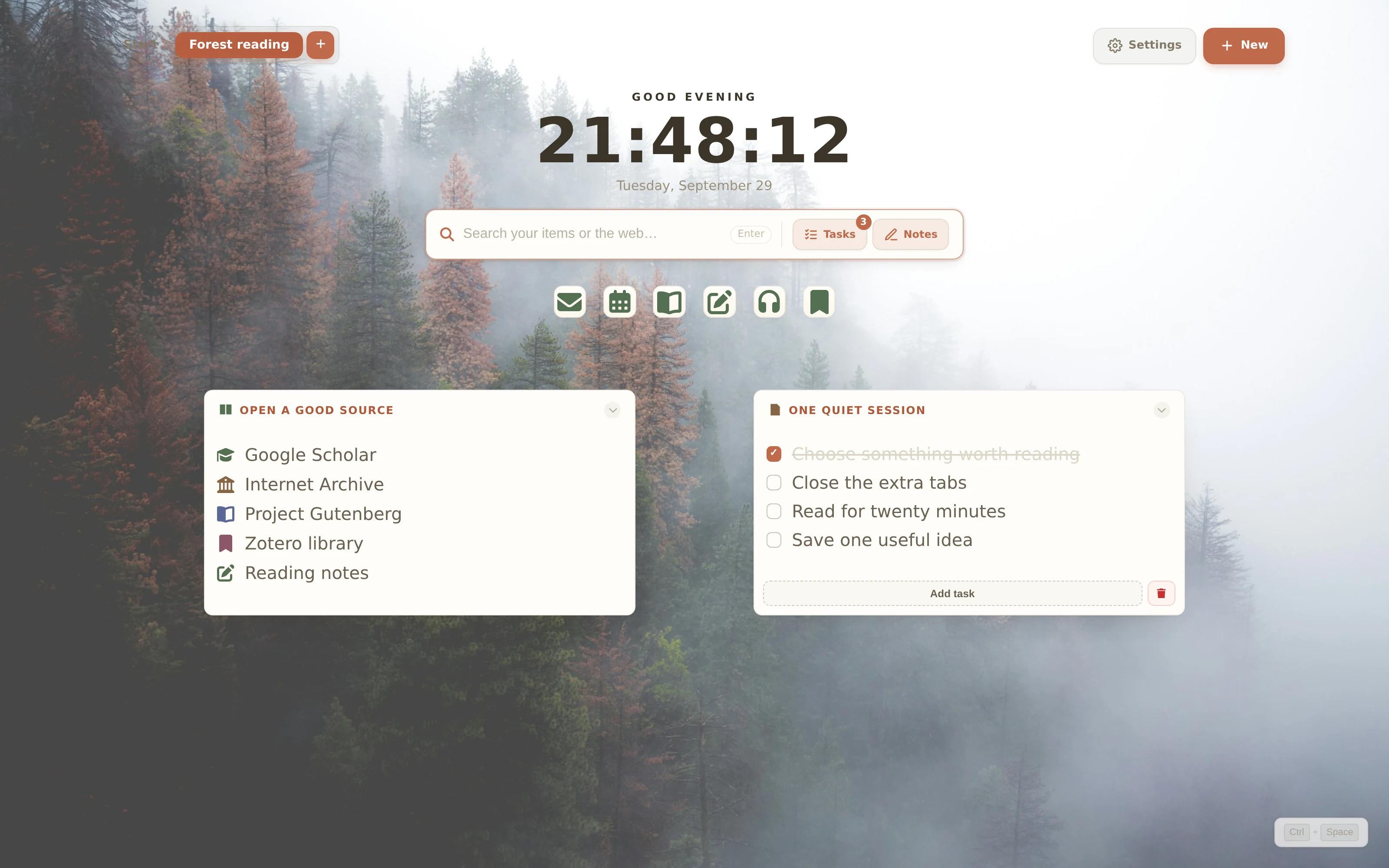
Actual ReadyTab Forest reading workspace using the nordic theme View 3200 × 2000 screenshot
Forest reading

nordic

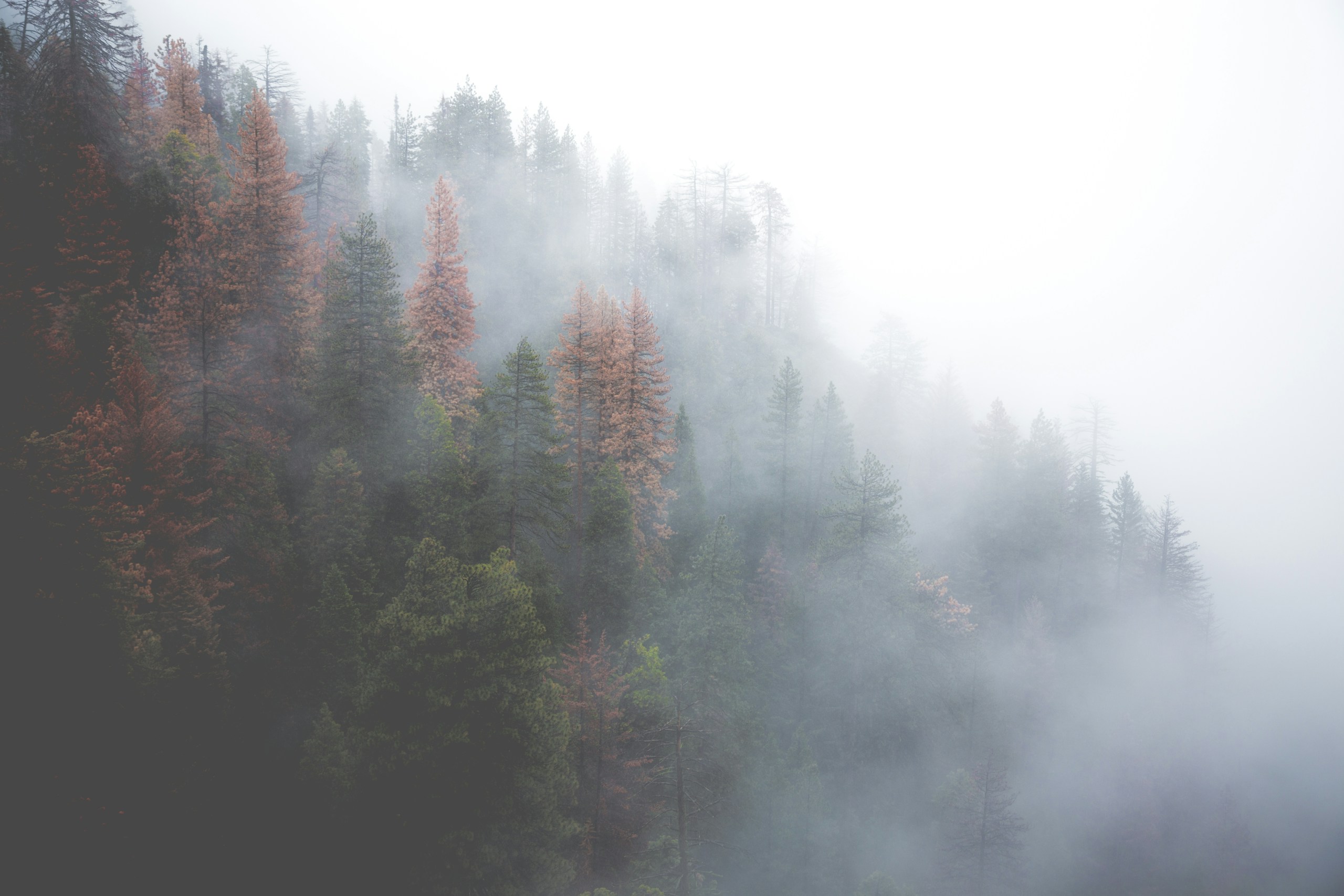
A quiet reading workspace with a misty forest, a source shelf, and a small checklist for the next session.

  • Forest photo
  • Reading checklist
  • Small icon shortcuts
  • Native image upload

Photo by Austin Schmid · Unsplash License

Background: Mist around a forest

After importing, open Settings → Design → Background → Custom Image. Choose the downloaded JPG and click Upload. Backgrounds are saved separately from board JSON.

Download background photo ↓
Download setup instructions ↓

To use this example, go to Settings → Data → Import. Import replaces your workspaces, so export a backup first or use a fresh profile.

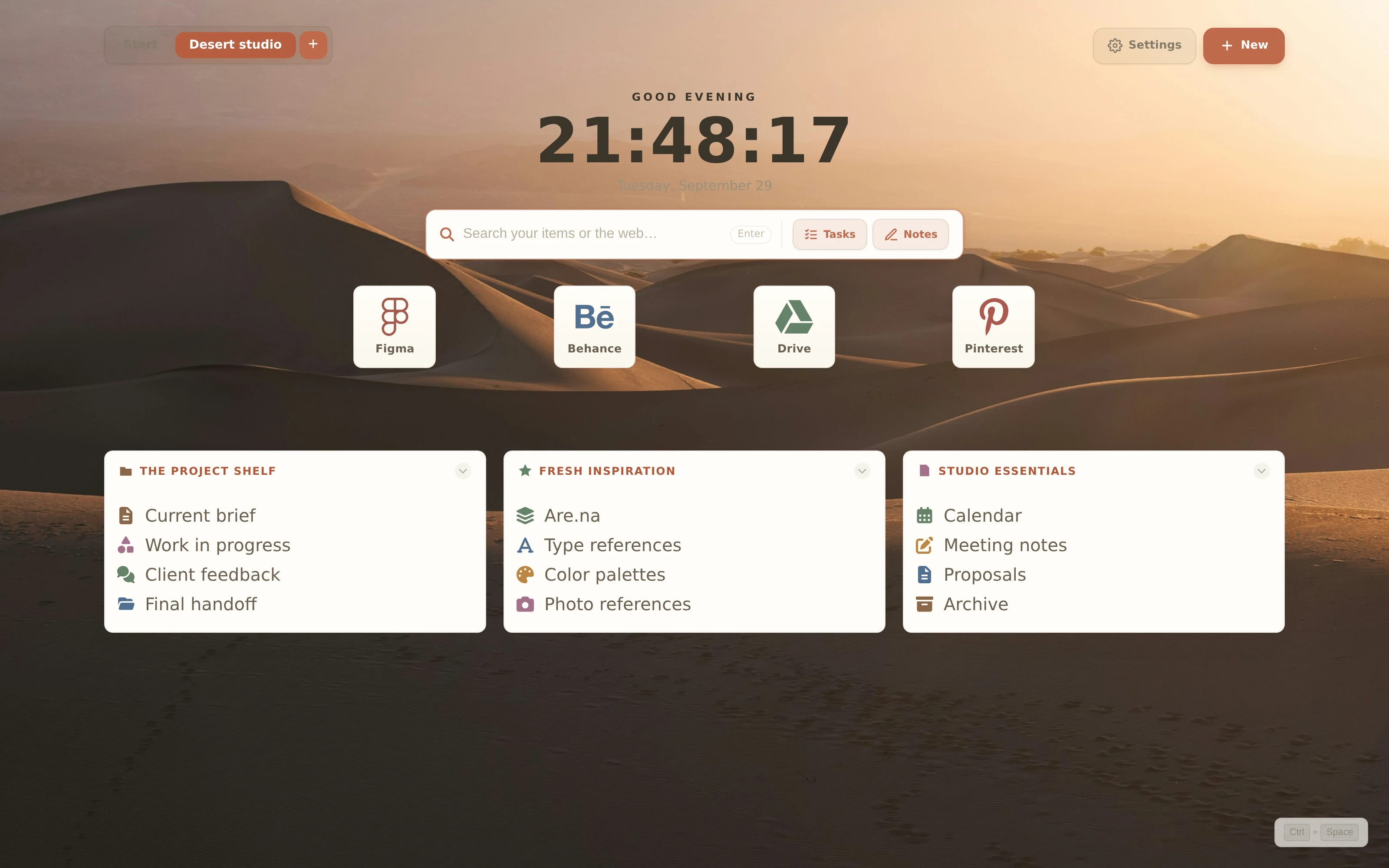
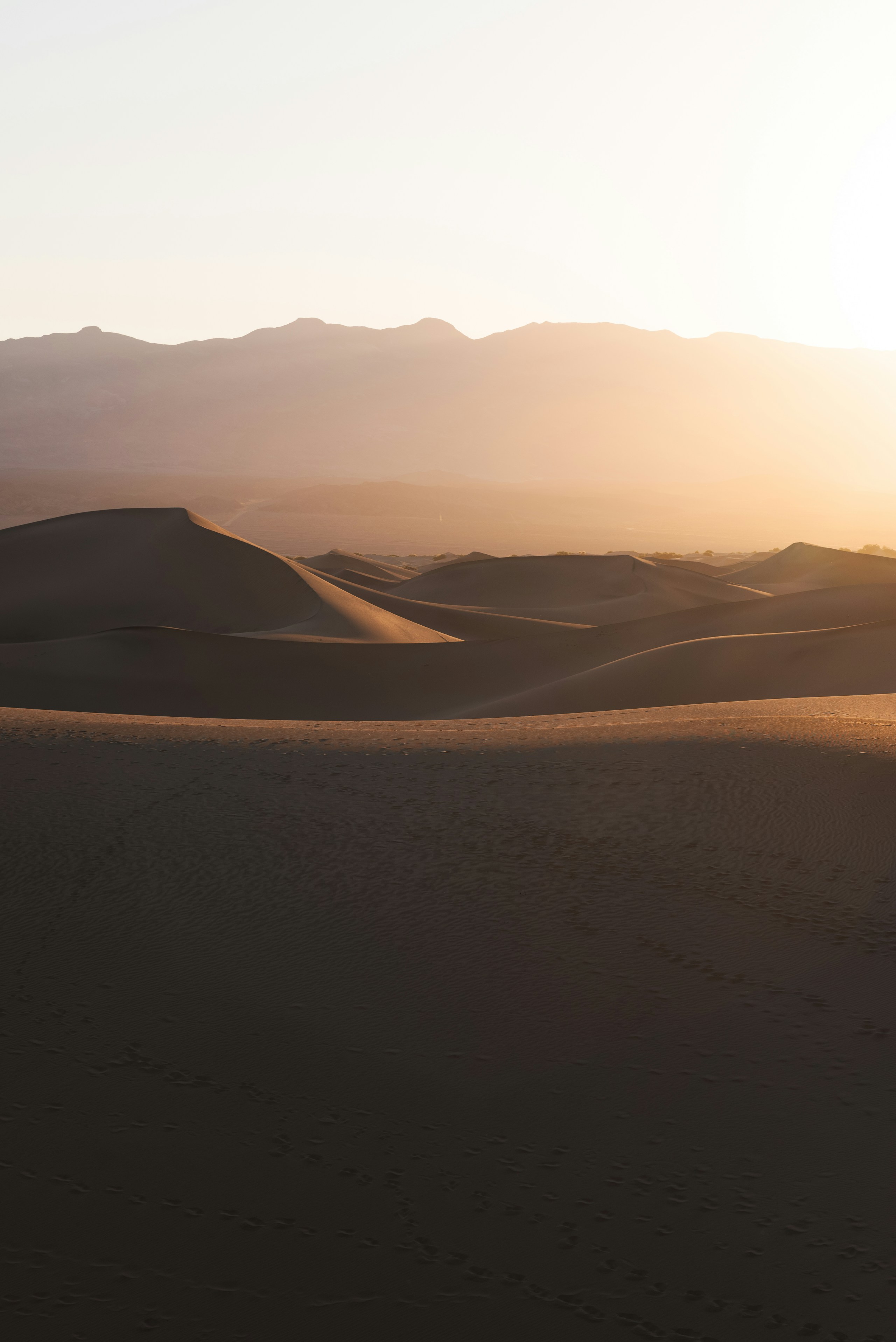
Actual ReadyTab Desert studio workspace using the nordic theme View 3200 × 2000 screenshot

Desert studio

nordic

A warm, spacious studio desk with a dune photograph, large creative-tool tiles, and three project shelves.

  • Sand dune photo
  • Large app tiles
  • Three link groups
  • Native image upload

Photo by Jacob Castle · Unsplash License

Background: Death Valley dunes

After importing, open Settings → Design → Background → Custom Image. Choose the downloaded JPG and click Upload. Backgrounds are saved separately from board JSON.

Download background photo ↓
Download setup instructions ↓

To use this example, go to Settings → Data → Import. Import replaces your workspaces, so export a backup first or use a fresh profile.

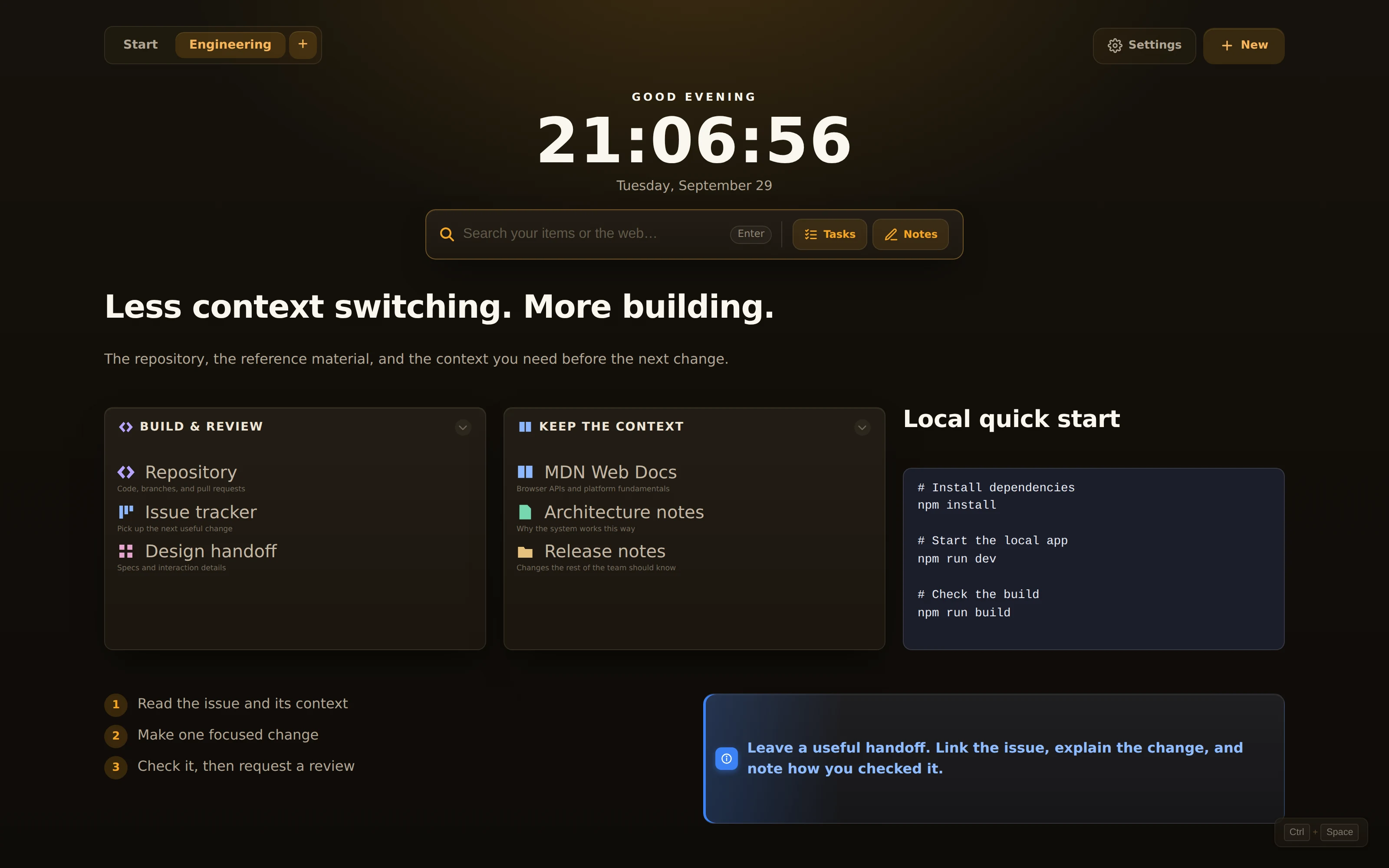
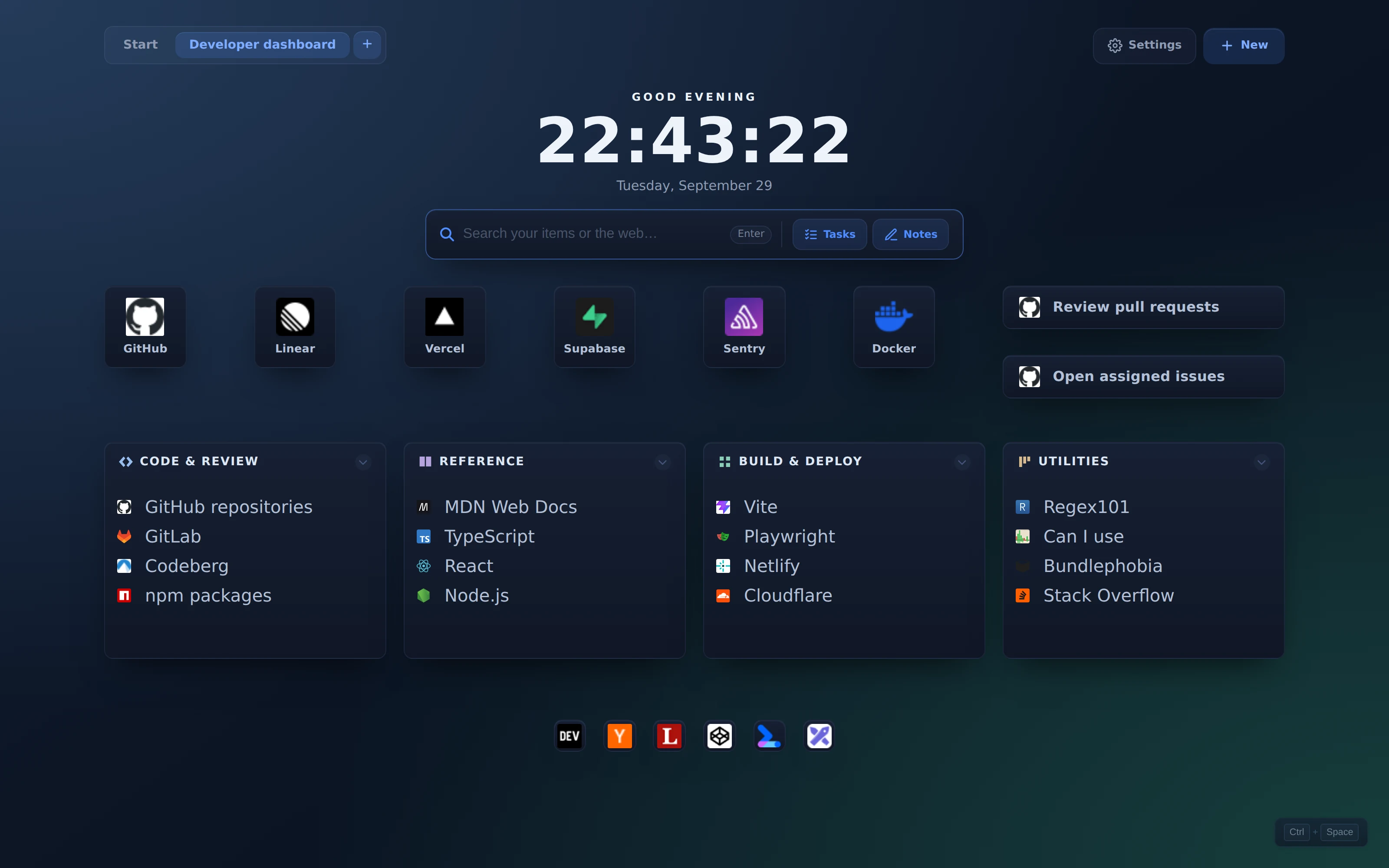
Actual ReadyTab Developer dashboard workspace using the midnight theme View 3200 × 2000 screenshot

Developer dashboard

midnight

A practical developer desk with real service favicons, app shortcuts, documentation, deployment tools, and useful utilities.

  • Real URL favicons
  • Large and small shortcuts
  • Four link groups
  • Developer resources

Favicons fetched by ReadyTab from the real URLs and included in the board JSON. Internet access is needed to load the favicon images.

Background: Terminal glow

After importing, open Settings → Design → Background → Custom CSS. Paste this value and click Apply. Backgrounds are saved separately from board JSON.

radial-gradient(ellipse at 0% 0%, #243b59 0%, transparent 58%), radial-gradient(ellipse at 100% 100%, #163e3c 0%, transparent 55%), linear-gradient(145deg, #111c30 0%, #0b1423 58%, #101f2a 100%)Download background settings ↓

To use this example, go to Settings → Data → Import. Import replaces your workspaces, so export a backup first or use a fresh profile.