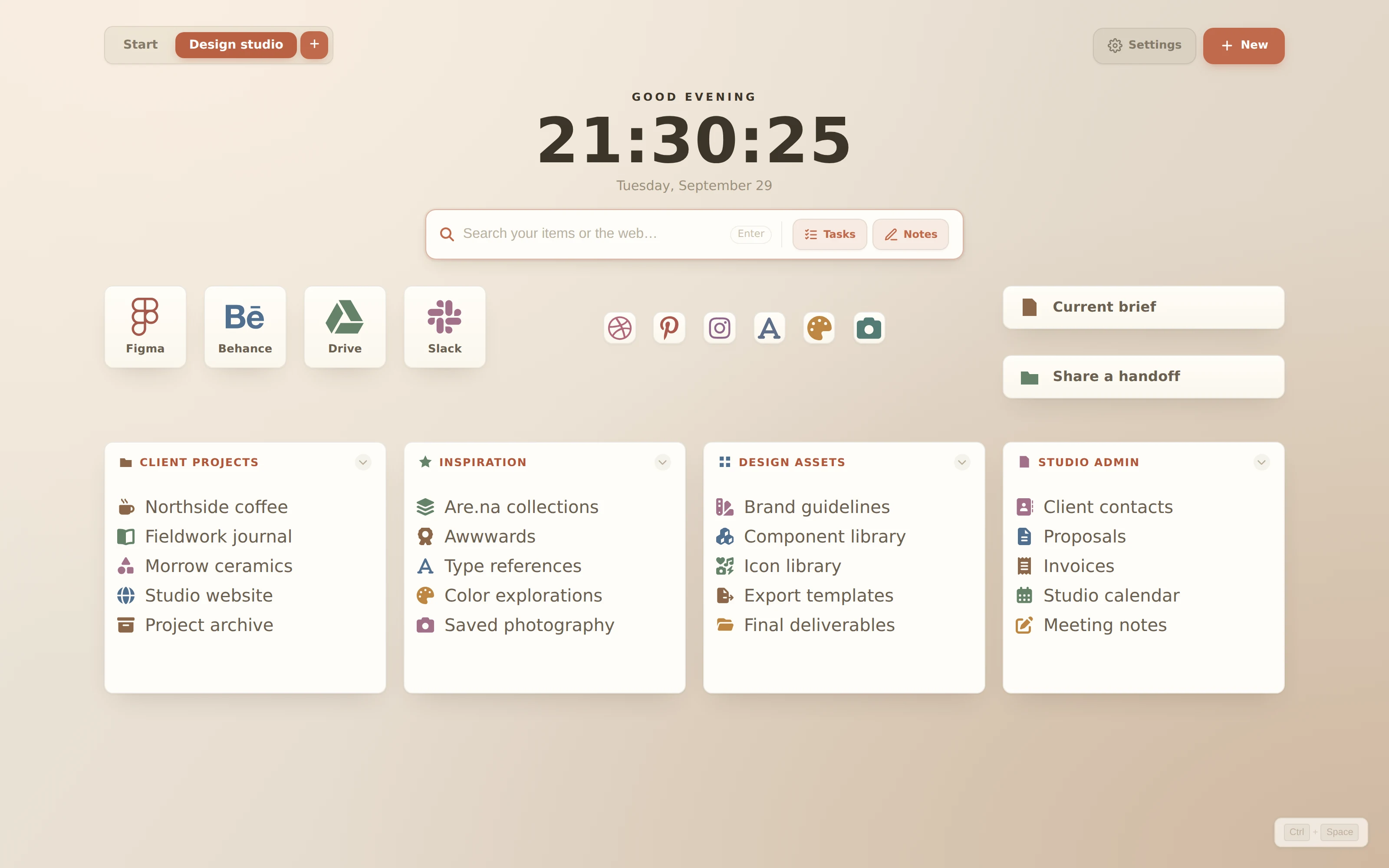
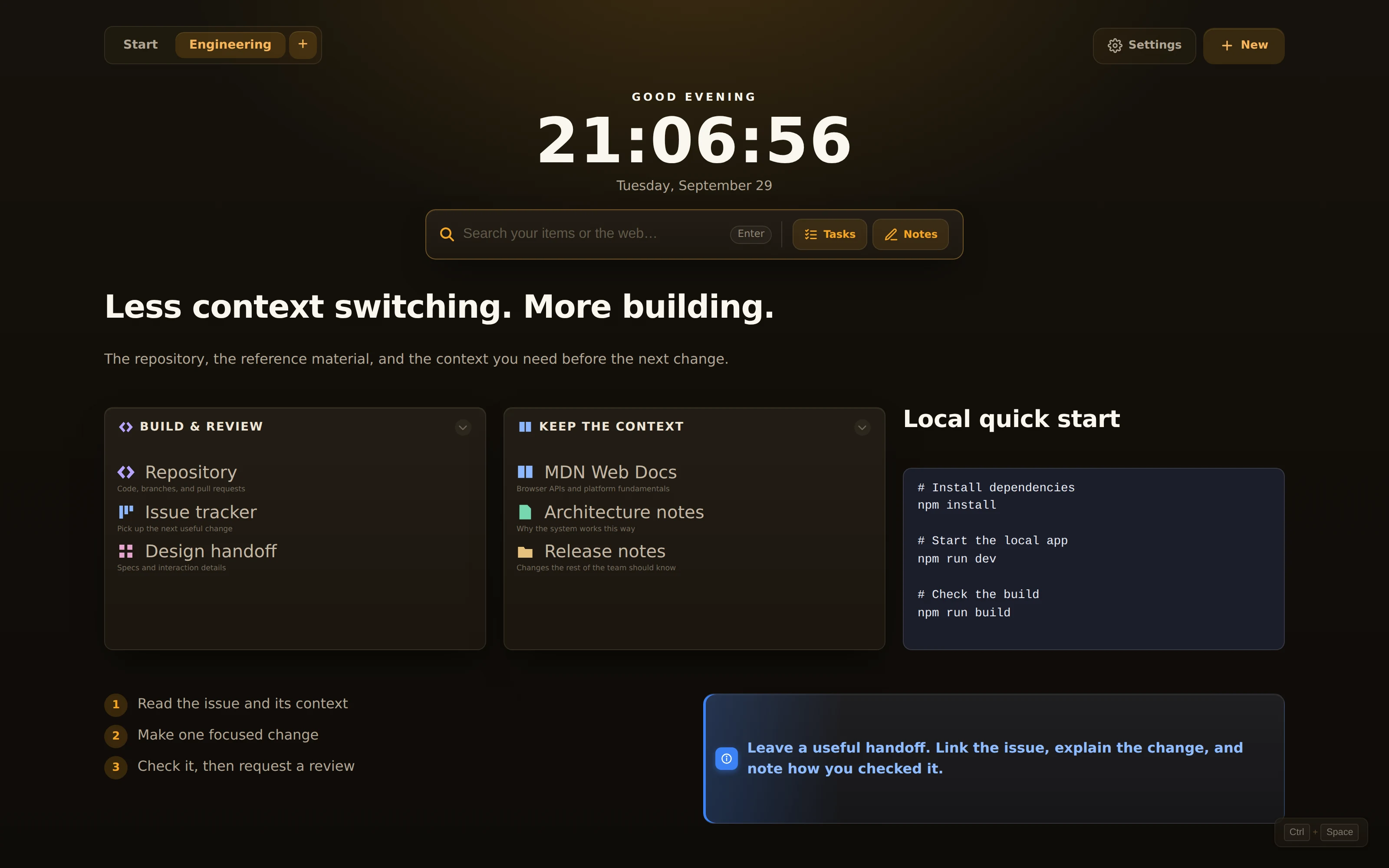
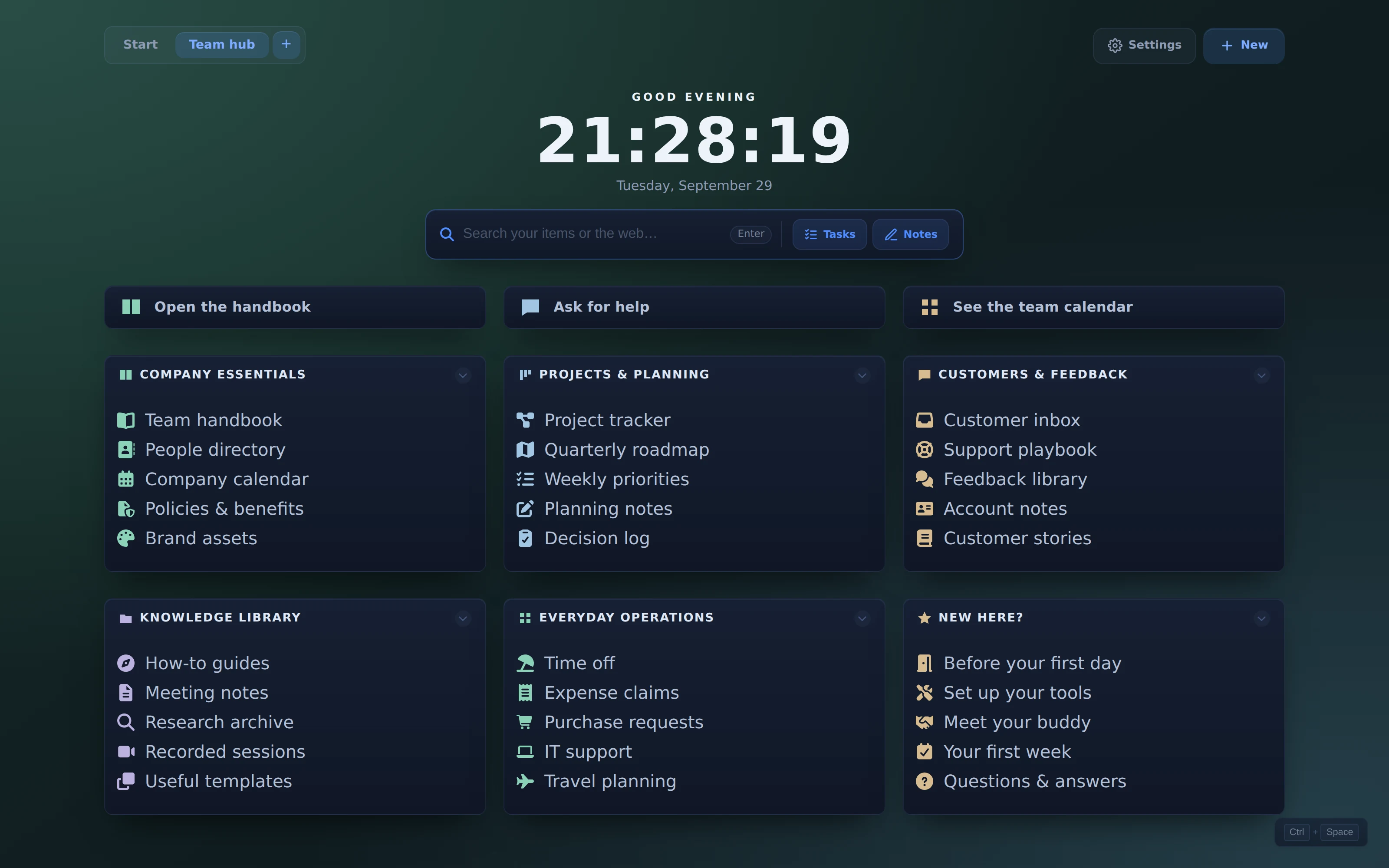
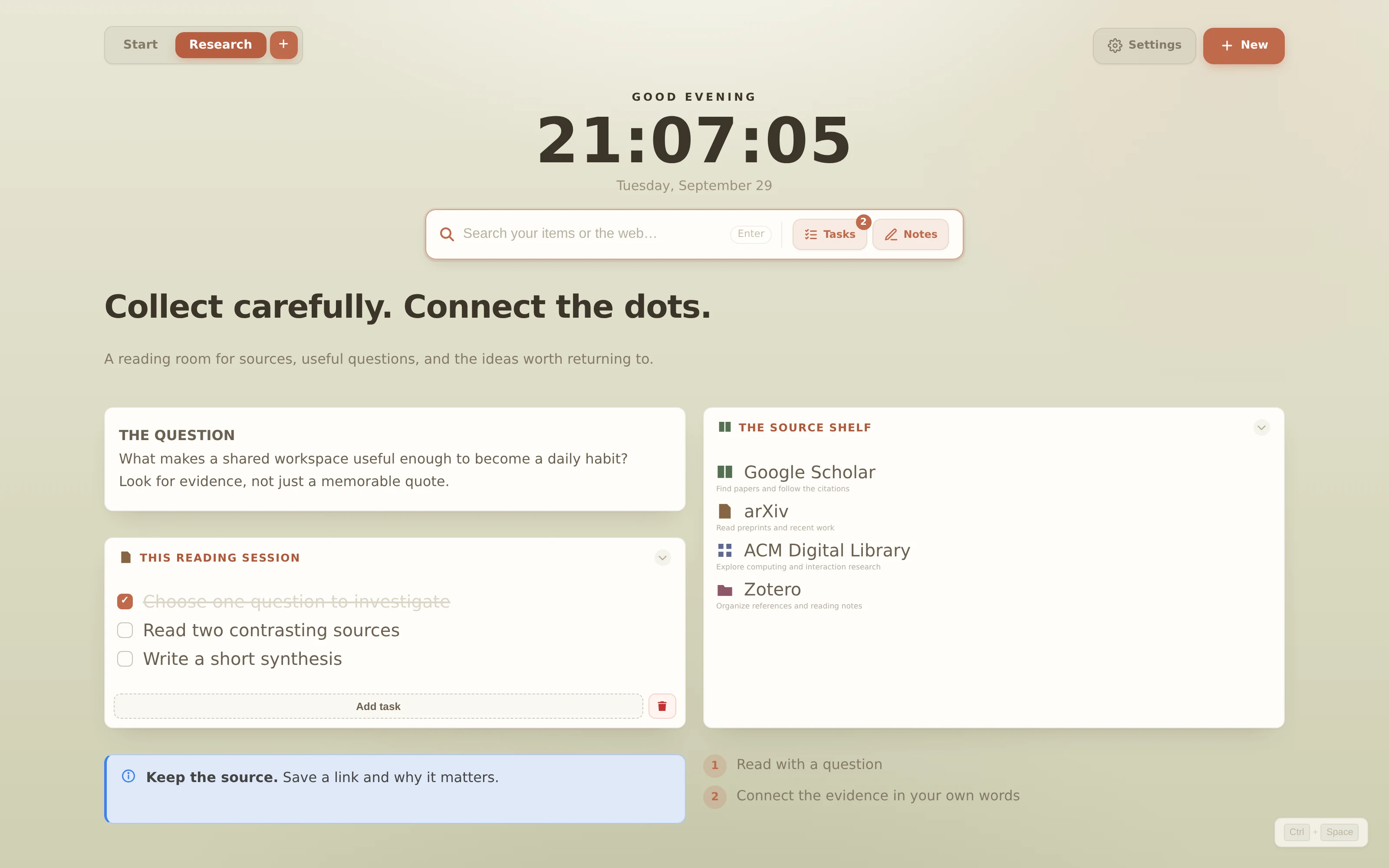
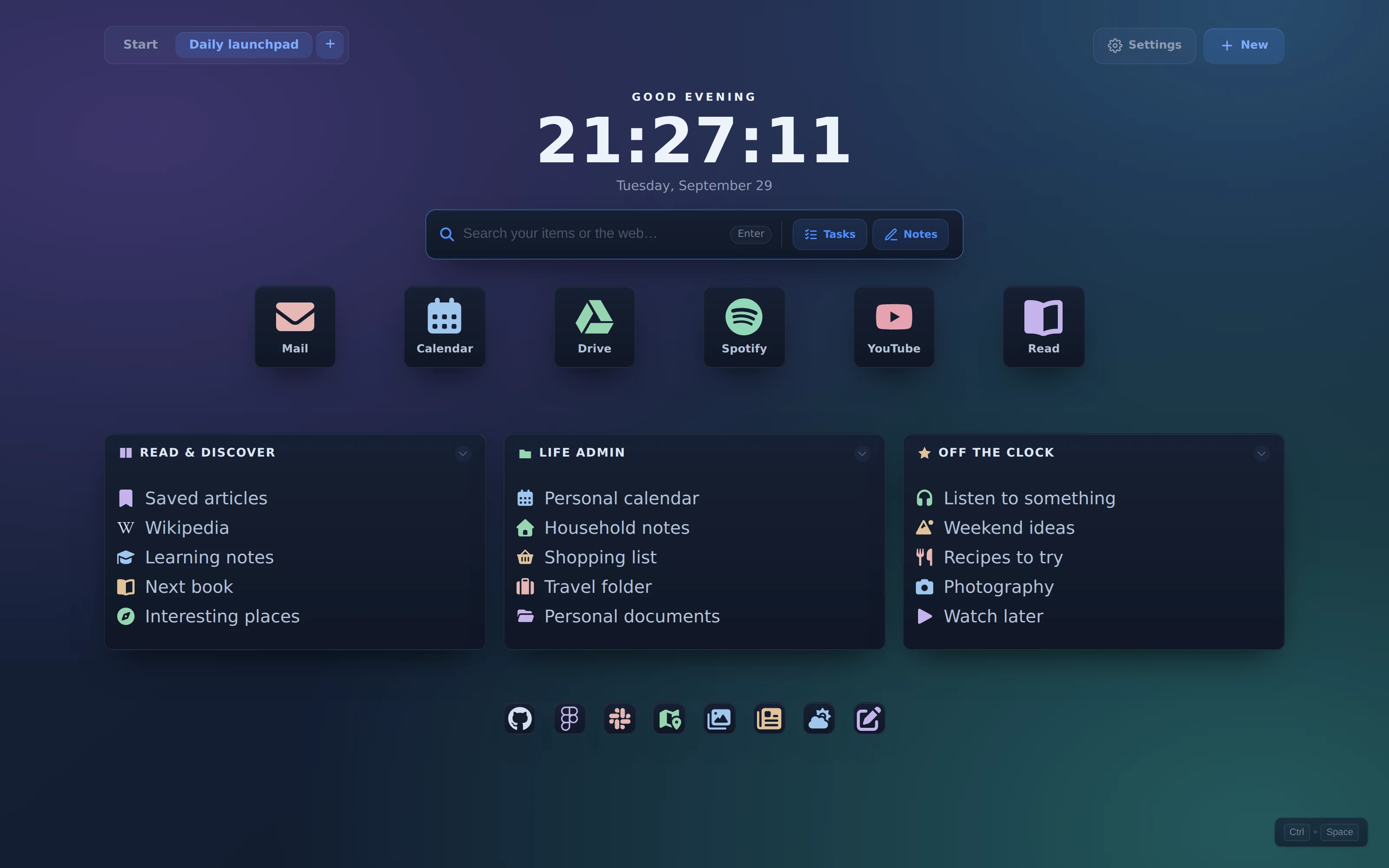
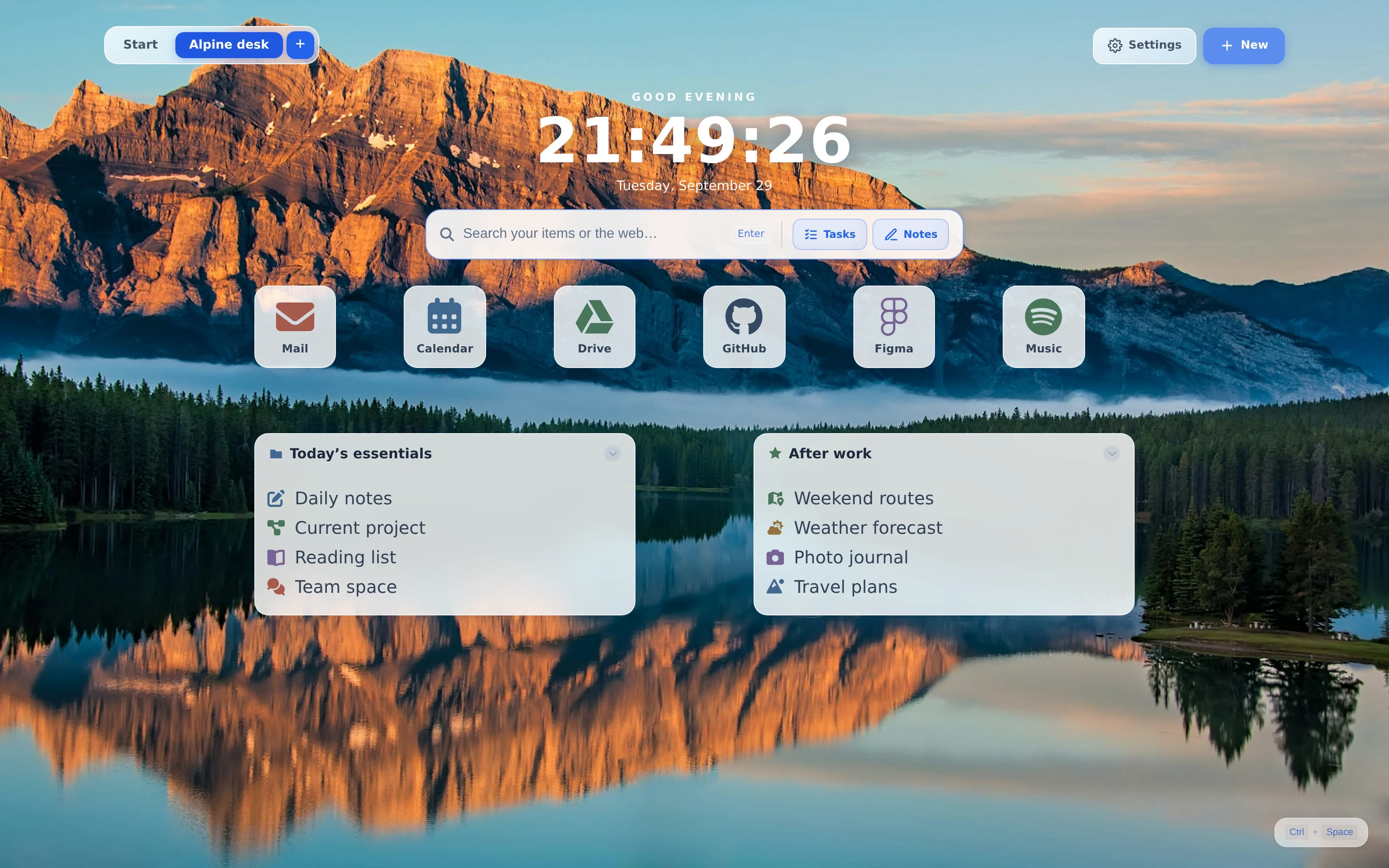
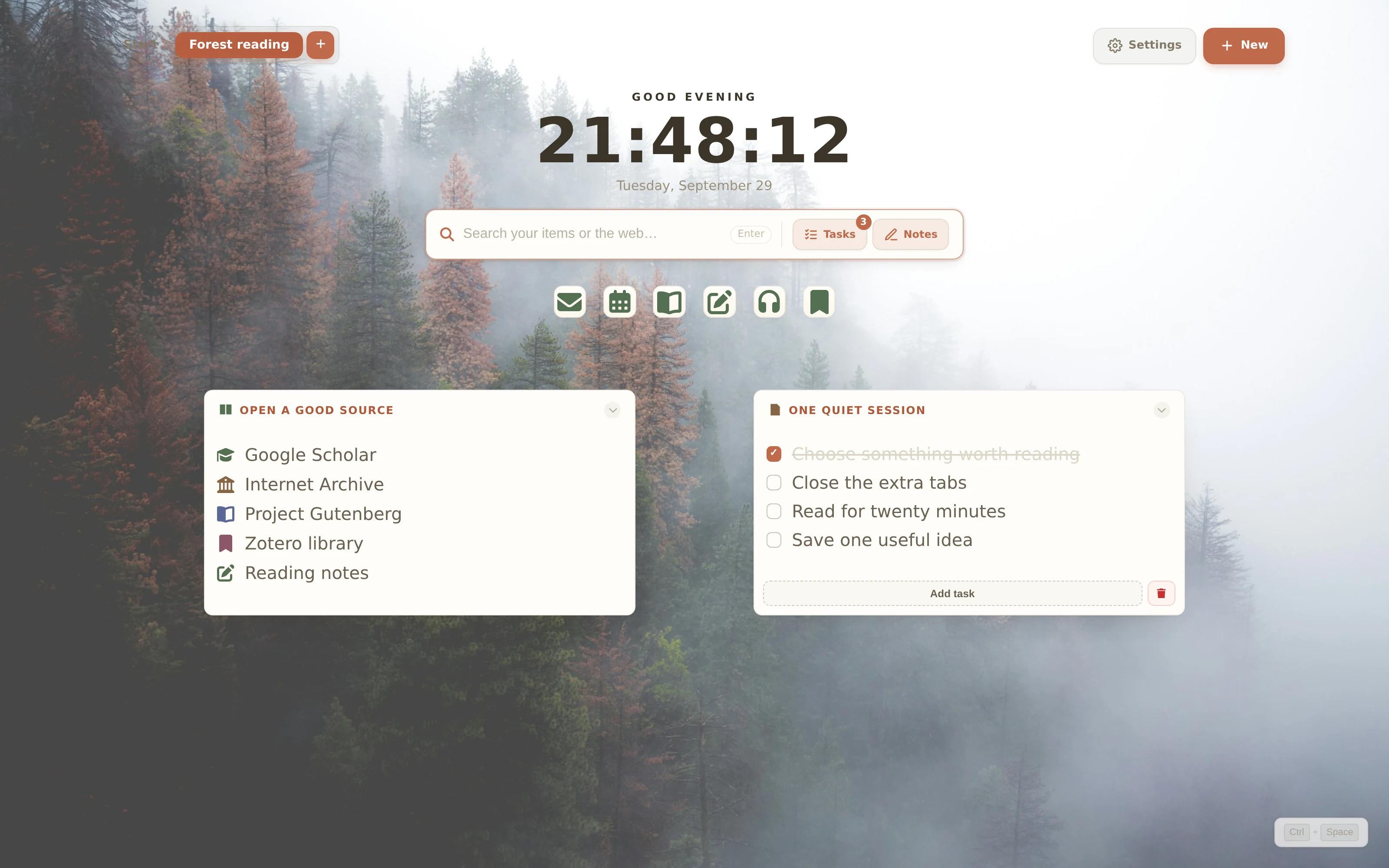
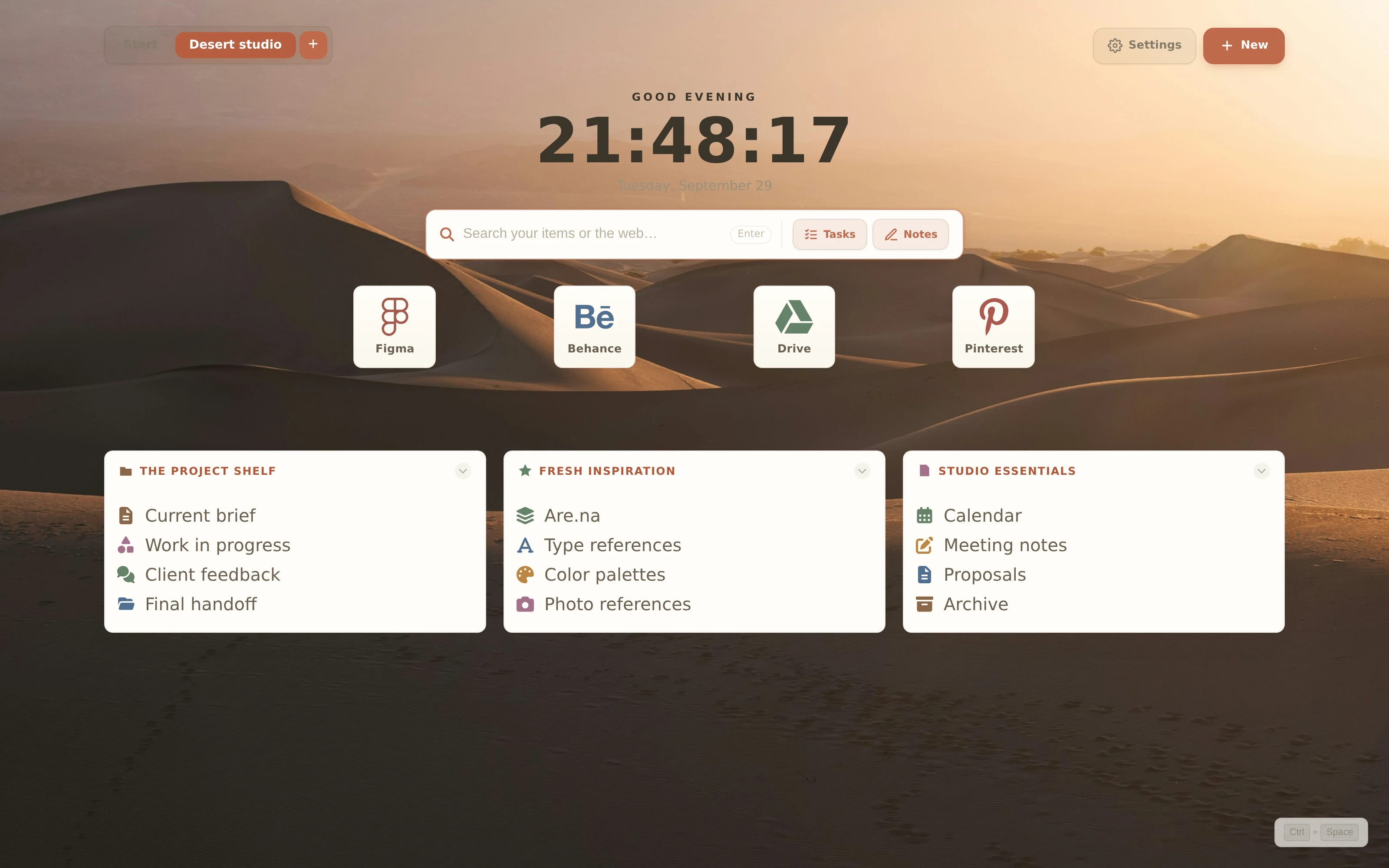
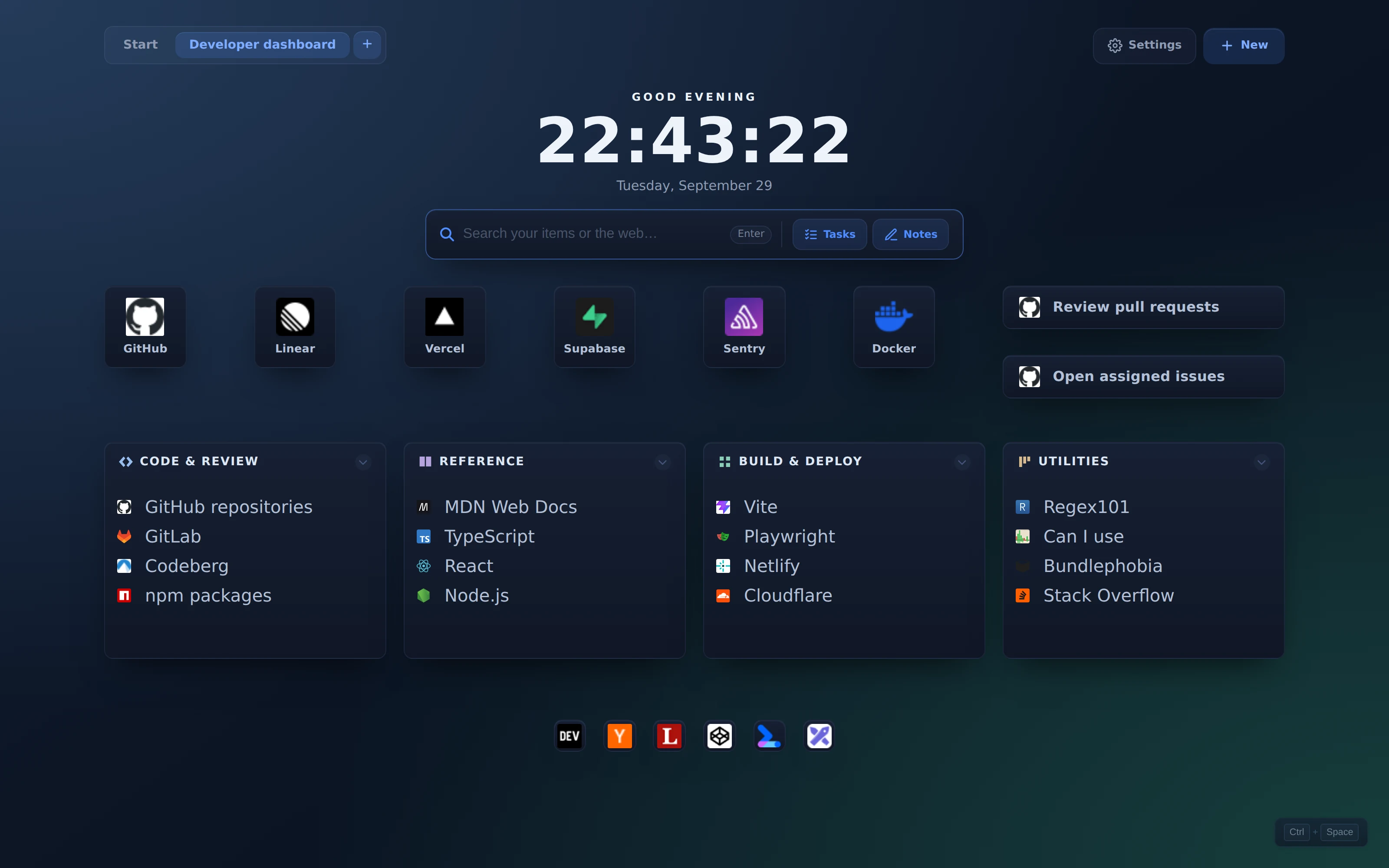
A project to launch, a teammate to welcome, or a little space for your own day. Every board here was built with native ReadyTab components and captured in the actual extension.
After importing, open Settings → Design → Background → Custom Image. Choose the downloaded JPG and click Upload. Backgrounds are saved separately from board JSON.
After importing, open Settings → Design → Background → Custom Image. Choose the downloaded JPG and click Upload. Backgrounds are saved separately from board JSON.
After importing, open Settings → Design → Background → Custom Image. Choose the downloaded JPG and click Upload. Backgrounds are saved separately from board JSON.
 View 3200 × 2000 screenshot